How To Export Python Environment#
Introduction#
Each of the python environments in a project can be exported to an environment.yml file. It can be useful to export it to keep a snapshot of all the installed libraries and their versions.
In this guide, you will learn how to export a python environment.
Step 1: Go to environment#
Under the Project settings section you can find the Python environment setting.
Step 2: Select a CUSTOM environment#
Select the environment that you have previously cloned and want to export. Only a CUSTOM environment can be exported.
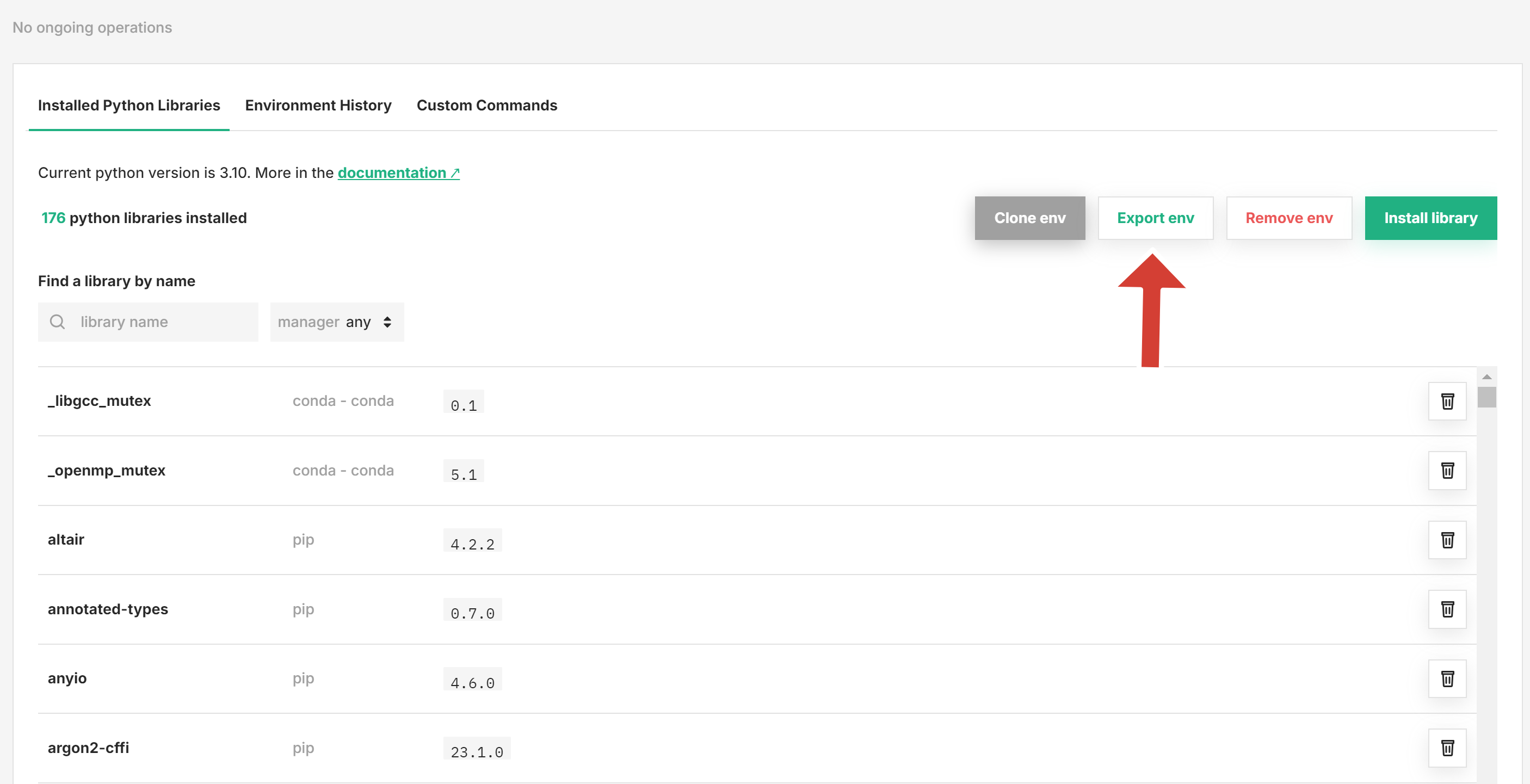
Step 3: Click Export env#
Clicking Export env will download the environment.yml file in your browser.
The export is a snapshot, not an import format
Exporting keeps working and describes whatever the environment currently carries. Importing an environment.yml to create or modify an environment is no longer supported, so use the exported file as a record of what was installed rather than as a way to rebuild the environment elsewhere. To reproduce an environment, clone it or install the same packages from PyPI.