Wizard#
The Wizard turns a goal into a running AI system. It asks what you want to build, where the data comes from and what to predict, then writes a kickoff prompt and hands it to Claude Code in the project terminal, where the agent builds the feature pipeline, the model and the dashboard with the Hopsworks CLI.
Prerequisites#
The Wizard drives an agent in the project terminal, so the terminal must be enabled on the cluster (the enable_terminal configuration variable). You need a project role of Data Owner or Data Scientist.
Start the Wizard#
Click Wizard in the project header. The Wizard also opens by itself on an empty project. It runs as a floating dialog, so you can keep it open while you work in the terminal.
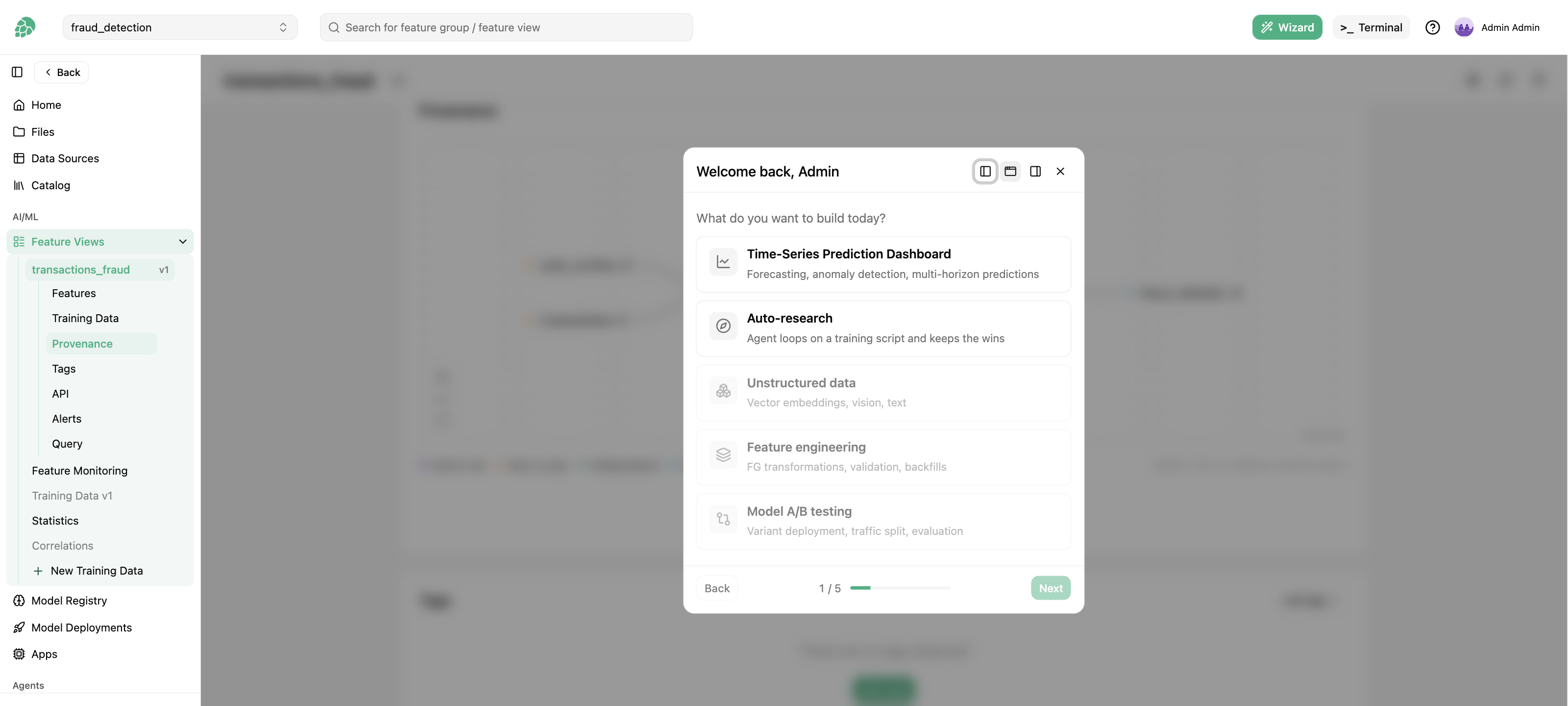
What you can build#
The first step asks what you want to build today.
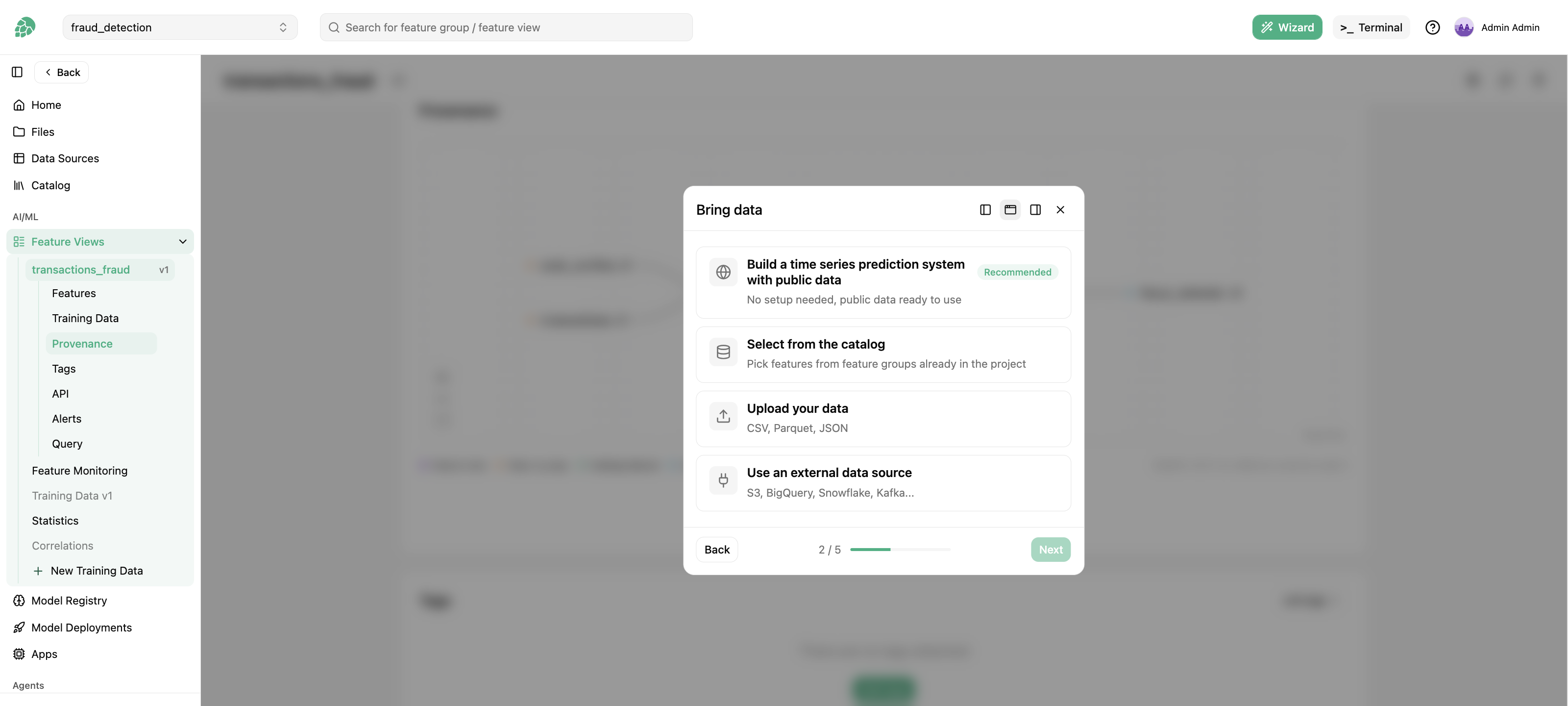
Time-series prediction dashboard. Forecasting, anomaly detection and multi-horizon predictions. The Wizard asks where the data comes from:
- public data, with no setup, for a first run,
- features already in the project catalog,
- a file you upload (CSV, Parquet or JSON), which the Wizard inspects,
- an external data source (S3, BigQuery, Snowflake, Kafka and more), which you connect and preview.
It then asks which features to use and what you are trying to predict, opens the terminal with Claude if it is not running yet, and inserts the kickoff prompt.
Auto-research. An agent loops on a training script and keeps the improvements. You pick the data (a small public dataset for a test run, or feature groups from the catalog), CPU or GPU, and how long the agent should run: quick (about ten experiments), an evening (about thirty) or overnight (about a hundred), at roughly five minutes per experiment. The Wizard then inserts the kickoff prompt.
Unstructured data, feature engineering and model A/B testing are listed in the Wizard but not available yet.
After the kickoff#
From the kickoff prompt on, the agent works in the terminal like any session: it uses hops to create feature groups, feature views and models in the project, and you can watch, steer or stop it. The assets it creates are ordinary project assets, visible in the catalog, the model registry and the jobs list.